 EN

Vietnam eSIM Not Working? Common Problems and How to Fix Them
Last Updated: Monday, November 9, 2026
If your Vietnam eSIM is not working, check three things first: Data Roaming is on for the eSIM line, mobile data is set to that line, and the APN matches your provider's instructions. Then restart your phone and wait a few minutes. This guide covers every common cause, what a data-only eSIM cannot do, and what to send support if the problem continues.
Key takeaways:
- Most problems come from three settings: Data Roaming, the active data line and the APN.
- Check that your phone supports eSIM and is not locked to a carrier.
- A data-only eSIM does not make calls or receive text messages.
- Do not delete your eSIM profile while troubleshooting. Some cannot be reinstalled.
- If you contact support, send your order number, phone model and a screenshot.
Do These Three Things First
Most Vietnam eSIM problems are settings problems. Before you try anything else:
| Step | iPhone | Android |
|---|---|---|
| 1. Turn on Data Roaming for the eSIM line | Settings > Cellular (or Mobile Data) > select the eSIM line > Data Roaming on | Settings > Network & internet > SIMs > select the eSIM > Roaming on |
| 2. Set mobile data to the eSIM line | Settings > Cellular > Cellular Data > select the eSIM line | Settings > Network & internet > SIMs > Mobile data > select the eSIM |
| 3. Restart your phone, then wait a few minutes | Hold the power button and restart | Restart the phone |
Menu names vary by phone model and software version. Wait several minutes after turning roaming on, since the phone may need time to register with a local network.
Diagnose by Symptom
| What you see | Most likely cause | What to try |
|---|---|---|
| "No Service" after landing | Data Roaming is off, or the eSIM line is not active | Turn the eSIM line on, turn Data Roaming on, restart |
| Signal bars, but no internet | Data is set to your home SIM, or the APN is wrong | Select the eSIM for mobile data, then check the APN |
| QR code will not scan or install | Poor connection, a used code, or an unsupported phone | Use Wi-Fi, check your phone supports eSIM, and contact support before retrying |
| Error when activating | Activation happens only in Vietnam, or the profile is already used | Check your plan's activation rule and try again after arrival |
| Slow data, or data stops after some days | Daily or total allowance reached, or weak coverage | Check your plan's allowance and your location |
Device Problems
Some issues have nothing to do with the plan.
- Your phone does not support eSIM. Many recent models do, but not all. Check your phone's specifications before you buy.
- Your phone is carrier-locked. A locked phone may refuse a new eSIM profile. Ask your home carrier whether it is unlocked.
- Dual SIM conflicts. If both your home SIM and your eSIM are active, check which line is selected for mobile data. Keep your home line for calls if you need it.
- A VPN interferes. Turn off any VPN while the eSIM connects, restart, and turn it back on once data works.
- Battery saver or app limits. Power saving modes and per-app data restrictions can block data even when the eSIM is connected.
Timing Problems: Installing and Activating
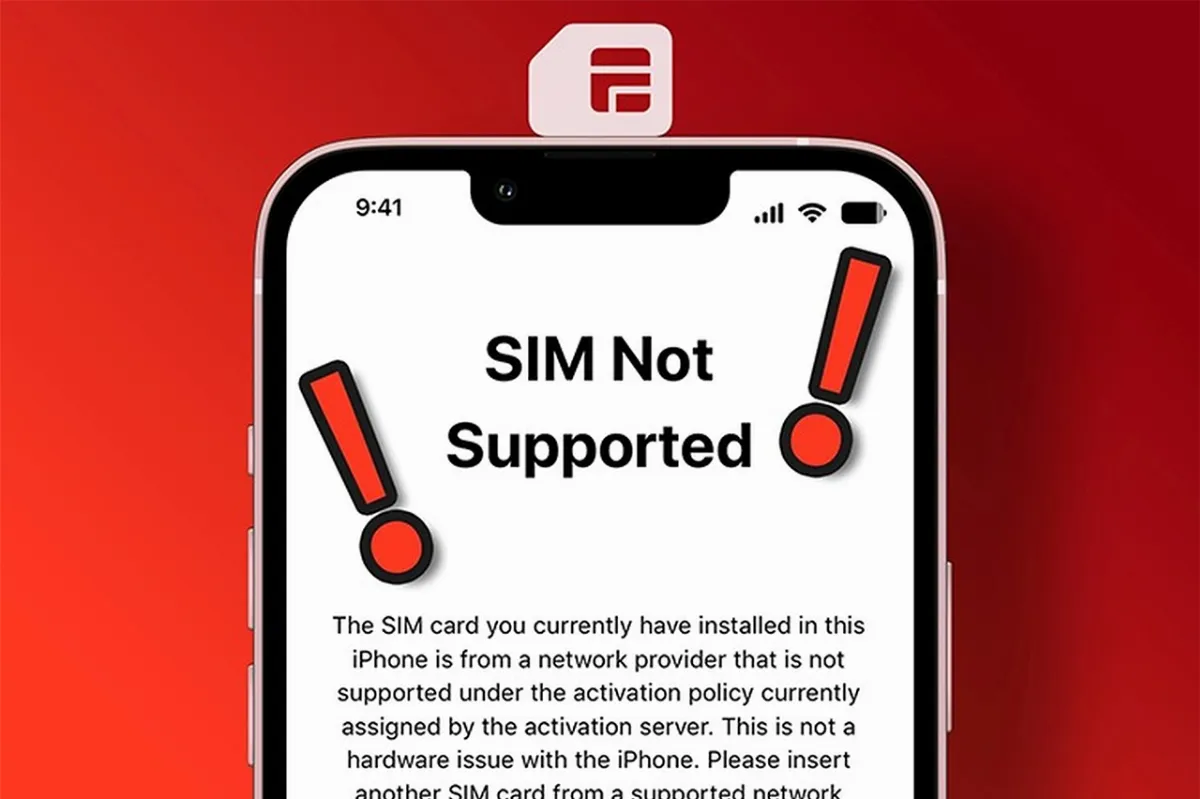
Photo: Collected
Timing causes more trouble than people expect.
- Install while you still have Wi-Fi. Many travelers install the eSIM at home, before the flight, and switch it on only when they arrive in Vietnam.
- A failed activation before arrival can be normal. Some plans only connect once you are in Vietnam.
- Do not scan the QR code again unless your provider says to. A code is often single-use, and a second attempt can fail.
- Do not delete the eSIM to "reset" it unless support tells you to.
If your plan needs a manual APN, use the details your provider gives you. Commonly reported values for Vietnamese operators include v-internet for Viettel, m3-world for Vinaphone and m-wap for Mobifone, but plans often configure this automatically and values can change, so follow your provider's instructions first.
What a Data-Only Vietnam eSIM Cannot Do
Many Vietnam eSIM for tourists plans are data-only. That affects more than you might think:
- No calls. Use apps such as messaging and video call services over data.
- No text messages. You will not receive an SMS sent to a phone number.
- No local one-time codes. Some services send a verification code by SMS. If you rely on your home number for these, keep that line active or arrange an alternative before you travel.
Check your plan's data allowance and any fair-use limit too. If you stream a lot or use your phone as a hotspot, it can be reached sooner than you expect.
If You Plan to Buy a Vietnam eSIM
You do not need to look for the "best eSIM for Vietnam" in general. Look for the one that fits your trip.
If you want to buy a Vietnam eSIM, check these points before you pay:
- Phone compatibility. Confirm that your model supports eSIM and is unlocked.
- Plan type. Data-only or data with calls, and how much data you need.
- Activation rule. When the eSIM starts counting days.
- Coverage. Which network it uses, and whether you will travel outside big cities.
- Support. A clear way to reach a person, and what happens if it does not connect.
- Refund terms. Stated plainly before you pay.
Check our eSIM price. Click here
When to Contact Support, and What to Send
If the three steps and the checks above do not work, contact support. Send:
- Your order number
- Your phone model and software version
- A screenshot of your cellular or SIM settings
- Where you are, and the time the problem started
- What you already tried
Frequently Asked Questions
Q1: Why does my Vietnam eSIM say "No Service"?
The most common causes are Data Roaming being off, the eSIM line not being selected, or the phone not having registered with a local network yet. Turn roaming on, select the eSIM line, restart, and wait a few minutes.
Q2: Do I need to turn on Data Roaming for a Vietnam eSIM?
Usually yes. Many travel eSIMs connect to local networks through roaming, so the setting needs to be on for the eSIM line.
Q3: What is an APN, and do I need to enter it?
An APN tells your phone how to connect to the mobile network. Many plans set it up automatically. If yours does not, use the value your provider gives you.
Q4: Can I use a Vietnam eSIM on any phone?
No. Your phone must support eSIM and must not be locked to a carrier. Check this before you buy.
Q5: Can I install my eSIM before my trip?
Often yes, and it is a good idea if you have Wi-Fi. Switch it on and enable Data Roaming when you arrive in Vietnam, unless your provider says otherwise.
Conclusion
A Vietnam eSIM that is not working is usually a small settings problem, and most are fixed in a few minutes. Check Data Roaming, the active data line and the APN, restart, and wait. If it still fails, check your phone's compatibility and contact support with the right information. Before your next trip, install your eSIM early and keep your support details saved offline.
If you are arriving at a Vietnamese airport and have a transfer or meet and greet booked, save your driver's contact details and booking confirmation on your phone before you fly, so you can use them even if your data takes a few minutes to connect.
👉 VAF – Your trusted travel and connectivity partner in Vietnam. Book here
If you have any questions or need personalized guidance, don’t hesitate to reach out to our expert team:
-
Whatsapp: +84379522522
-
Hotline: +84.379.522.522
-
Email: sales@vietnam-immi.org