
 EN
EN

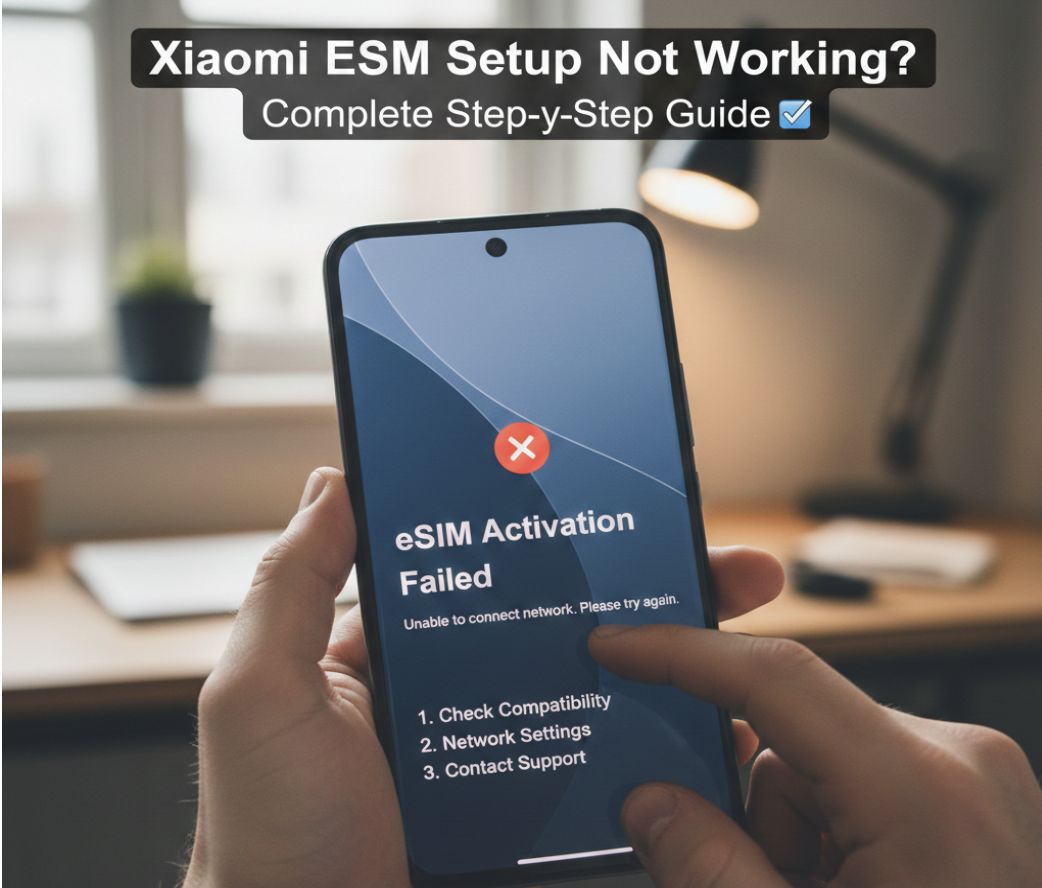
Xiaomi eSIM Setup Not Working? Complete Step-by-Step Solution
Last Update: Tuesday January 05, 2026
Many Xiaomi users face issues when installing or activating an eSIM for the first time. From QR code errors to missing eSIM options in settings, these problems can be frustrating—especially if you need mobile data urgently while traveling.
This guide provides a complete step-by-step solution explaining how to install eSIM on Xiaomi, fix common Xiaomi eSIM activation issues, and correctly complete Xiaomi eSIM QR code activation step by step.
If you need a compatible Vietnam eSIM, you can purchase one directly from our service:
👉 https://vietnam-airports.com/booking?group=airport_services&service=esim
Why Xiaomi eSIM Setup Sometimes Doesn’t Work
Xiaomi phones support eSIM only on selected models and software versions. Most setup problems come from:
-
Unsupported Xiaomi model
-
Outdated MIUI or HyperOS version
-
Network restrictions or VPN interference
-
QR code already used once
-
Incorrect default SIM or data settings
Understanding these causes helps you fix the issue quickly.
How to Install eSIM on Xiaomi (Step-by-Step Guide)
Before starting, make sure:
-
Your Xiaomi phone supports eSIM
-
Your device is unlocked
-
You are connected to Wi-Fi
Step 1: Check eSIM Support
Go to Settings → About phone
If you see eSIM / Embedded SIM, your device is compatible.
Step 2: Open eSIM Settings
Go to:
Settings → SIM cards & mobile networks → Add eSIM
Step 3: Scan the eSIM QR Code
Choose Scan QR Code and scan the QR code provided after purchasing your eSIM from VAF.
Step 4: Download & Install Profile
Wait for the eSIM profile to download and install. Do not exit the screen during this process.
Step 5: Activate the eSIM
Set the eSIM as:
-
Default mobile data
-
Enabled for roaming (if required)
Restart your phone once installation is complete.
Xiaomi eSIM QR Code Activation Step by Step (Important Tips)
To avoid errors during QR code activation:
-
Scan the QR code only once
-
Keep Wi-Fi stable during installation
-
Do not use VPN while installing
-
Do not reset your phone mid-process
-
Save the QR code until activation finishes
If you see errors like “Unable to add eSIM” or “Profile cannot be downloaded”, restart your phone and try again.
Fixing Common Xiaomi eSIM Activation Issues
If your Xiaomi eSIM is installed but not working, try these solutions:
-
Toggle Airplane Mode ON/OFF
-
Enable Data Roaming
-
Set eSIM as Primary Data SIM
-
Turn off VPN and private DNS
-
Update MIUI / HyperOS to the latest version
-
Reset Network Settings (does not erase data)
Most Xiaomi eSIM activation issues are solved using the steps above.
Why Choose VAF eSIM for Xiaomi Devices
Our eSIMs are optimized for compatibility and fast activation on Xiaomi phones.
Benefits of buying from VAF:
-
Instant QR code delivery
-
Clear setup instructions
-
Strong Vietnam network coverage
-
No physical SIM needed
-
Ideal for travelers and digital nomads
If you have any questions or need personalized guidance, don’t hesitate to reach out to our expert team:
Whatsapp: +84379522522
Hotline: +84.379.522.522