 EN
EN

Common Vietnam eSIM Problems and How to Fix Them
Last Updated: Tuesday, August 11, 2026
A Vietnam travel eSIM is one of the most convenient ways to stay connected while traveling. With mobile data available as soon as you arrive, travelers can easily use maps, translation apps, ride-hailing services, and messaging platforms without searching for a physical SIM card.
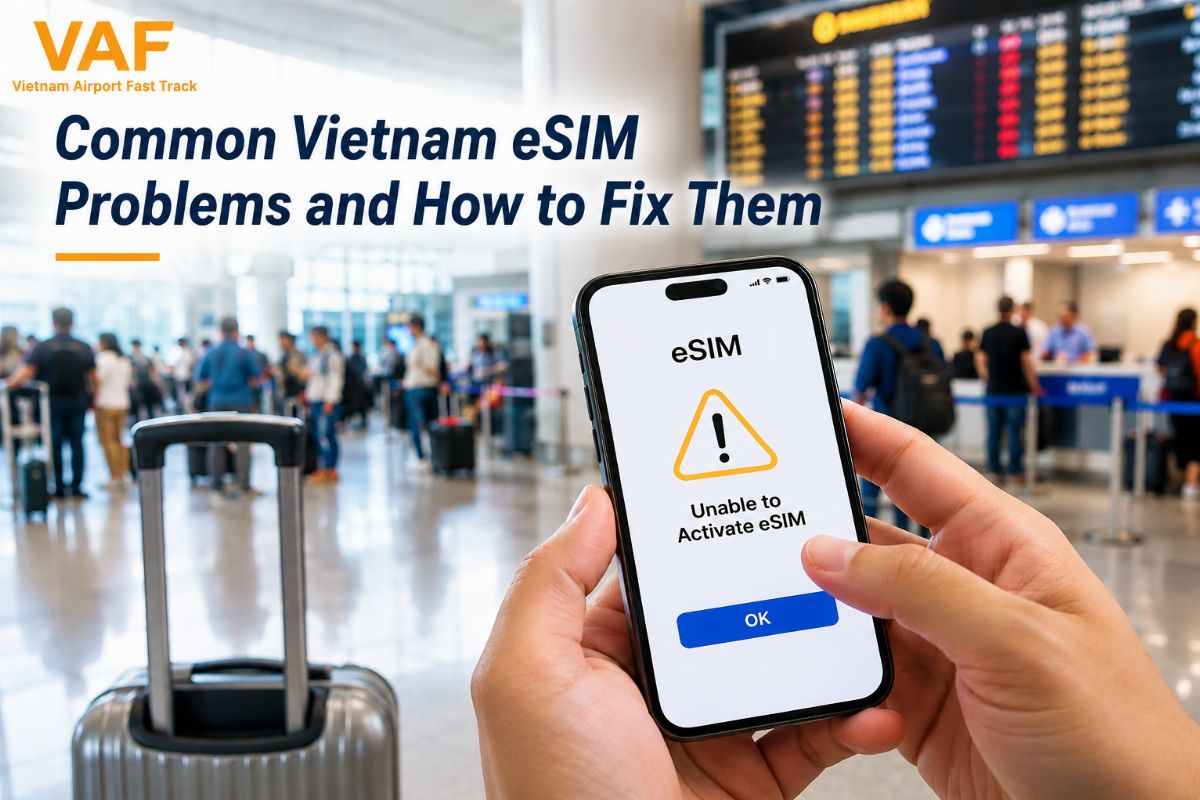
However, travelers may sometimes experience Vietnam eSIM problems, especially during installation, activation, or network connection. A QR code may not scan, mobile data may not work, or the eSIM may show no service after installation.
Fortunately, most Vietnam travel eSIM issues can be solved with a few simple checks. This guide explains the most common problems and practical ways to fix them before or during your Vietnam trip.
Why Do Vietnam eSIM Problems Happen?
Vietnam eSIM problems can occur for several reasons. Sometimes the issue comes from incorrect phone settings, while other problems may be related to the eSIM installation process, network compatibility, or the data plan itself.
Common causes include:
-
Incorrect eSIM installation
-
QR code scanning problems
-
Mobile data assigned to the wrong SIM
-
Data roaming not enabled when required
-
Incorrect network settings
-
Unsupported or carrier-locked devices
-
Expired eSIM plans or insufficient data
-
Weak or unavailable network coverage
Understanding the cause can help travelers troubleshoot the problem quickly instead of losing valuable travel time.
Vietnam eSIM QR Code Not Working
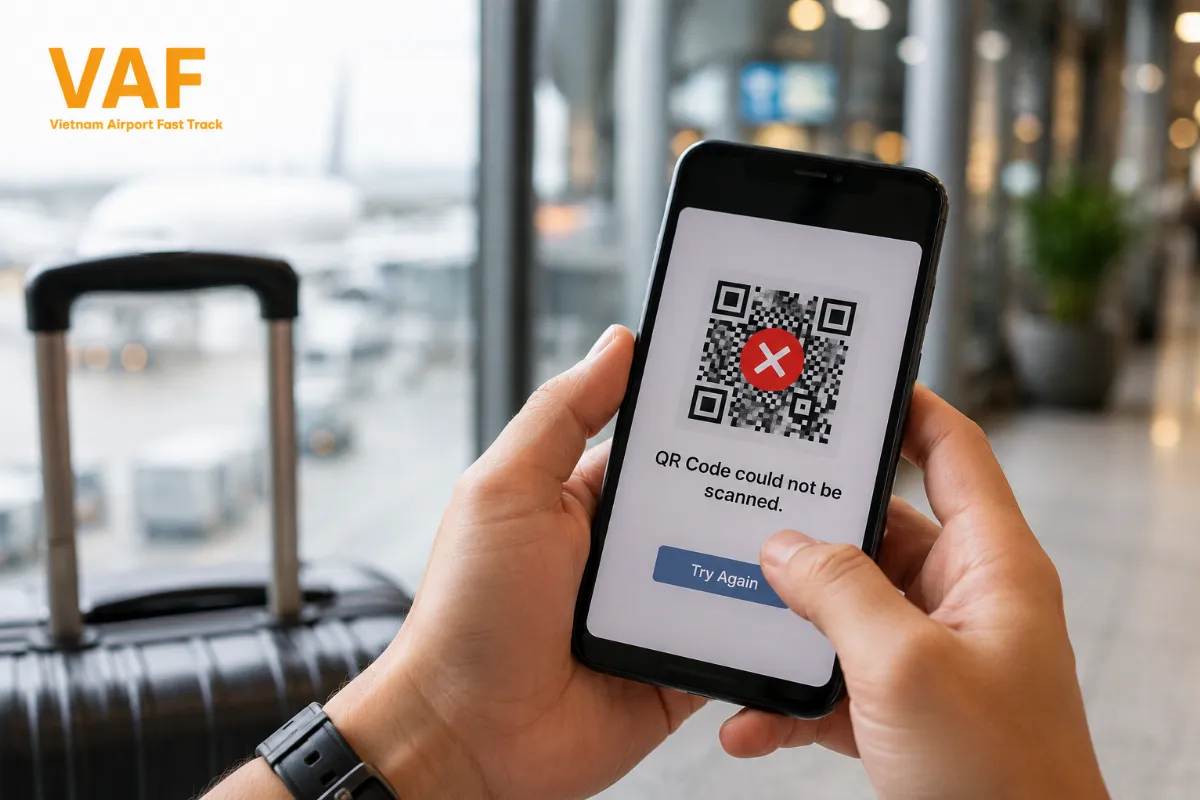
One of the most common Vietnam travel eSIM issues occurs when the QR code cannot be scanned or the eSIM installation does not begin.
If your Vietnam eSIM QR code not working problem occurs, first make sure that the QR code is clear and displayed correctly. A damaged, blurry, expired, or previously used QR code may prevent successful installation.
Try these steps:
-
Check that your phone is connected to Wi-Fi or another internet connection.
-
Make sure the QR code is completely visible.
-
Restart your phone and try scanning the code again.
-
Open your phone's eSIM settings and try adding the cellular plan manually if supported.
-
Confirm that the QR code has not already been used on another device.
-
Contact your eSIM provider if the QR code remains invalid.
It is recommended to install your Vietnam travel eSIM before departure rather than waiting until you arrive at the airport.
Vietnam eSIM Installed but No Internet
Another common Vietnam eSIM problem is having the eSIM successfully installed but being unable to access mobile data.
This usually happens because the phone is still using another SIM for mobile data or because certain settings have not been enabled.
Check the following:
-
Make sure the eSIM is turned on.
-
Select the Vietnam eSIM as your preferred mobile data line.
-
Check whether data roaming needs to be enabled.
-
Turn Airplane Mode on for a few seconds, then turn it off.
-
Restart your smartphone.
-
Make sure you have remaining data in your eSIM plan.
If you use a physical SIM and an eSIM at the same time, double-check which line is selected for mobile data.
Vietnam eSIM Has No Signal
Seeing “No Service,” “Searching,” or no network signal is another frustrating issue travelers may encounter.
If your eSIM is installed but cannot connect to a network, first move to an area with better network coverage. Buildings, underground areas, and remote destinations can sometimes have weaker signals.
You can also check your network selection settings. In some situations, manually selecting an available local network may help the eSIM connect successfully.
Before troubleshooting further, confirm that:
-
Your eSIM is active.
-
Your phone supports eSIM technology.
-
Your device is unlocked.
-
The eSIM plan is valid.
-
Network selection is configured correctly.
-
Mobile data is enabled.
If the problem continues, contact your eSIM provider for additional support.
Vietnam eSIM Not Activating
Some travelers may find that their eSIM installation appears incomplete or remains inactive.
This can happen when the installation process is interrupted, the device does not support the eSIM profile, or the eSIM has already been installed on another phone.
To resolve this issue, avoid repeatedly deleting and reinstalling the eSIM unless your provider specifically instructs you to do so. Some eSIM QR codes are designed for one-time installation and may not work again after being removed.
Instead, check your eSIM settings and contact your provider if activation remains unsuccessful.
Vietnam eSIM Mobile Data Is Slow
Slow internet is another possible Vietnam travel eSIM issue, especially when traveling in crowded areas or locations with weaker coverage.
Before assuming that your eSIM is defective, try switching between available network modes if your device allows it. Restarting the phone or temporarily enabling and disabling Airplane Mode can also refresh the network connection.
You should also check whether your eSIM plan has reached a high-speed data limit.
When traveling outside major cities such as Ho Chi Minh City, Hanoi, or Da Nang, network performance may vary depending on your destination and local coverage.
eSIM Stops Working After Several Days
Sometimes a Vietnam travel eSIM works perfectly after arrival but suddenly stops connecting later in the trip.
This may happen because the data allowance has been used up or the validity period has expired.
Check your:
-
Remaining data allowance
-
eSIM expiration date
-
Plan activation date
-
Network settings
-
Mobile data settings
If your plan has expired or the data allowance has been reached, you may need to purchase an additional data package or contact your provider.
How to Avoid Vietnam eSIM Problems Before Your Trip
The easiest way to reduce Vietnam eSIM problems is to prepare your eSIM before leaving home.
Before your flight, make sure that:
-
Your smartphone supports eSIM.
-
Your phone is not carrier-locked.
-
Your eSIM QR code is accessible.
-
Your device has enough battery.
-
You have reliable Wi-Fi during installation.
-
You understand how to switch mobile data to the eSIM.
-
Your eSIM plan is valid for your travel dates.
Installing the eSIM before departure gives you time to troubleshoot potential problems while you still have access to your regular internet connection.
Quick Vietnam eSIM Troubleshooting Checklist
If your eSIM is not working after arriving in Vietnam, go through this quick checklist:
✅ eSIM is switched on
✅ Mobile data is assigned to the eSIM
✅ Data roaming is enabled if required
✅ Airplane Mode has been refreshed
✅ Phone has been restarted
✅ Network selection is configured correctly
✅ eSIM plan is still active
✅ Data allowance has not been used up
✅ Phone is eSIM-compatible and unlocked
These simple checks can solve many common Vietnam travel eSIM issues without requiring technical assistance.
Is a Vietnam Travel eSIM Worth It?
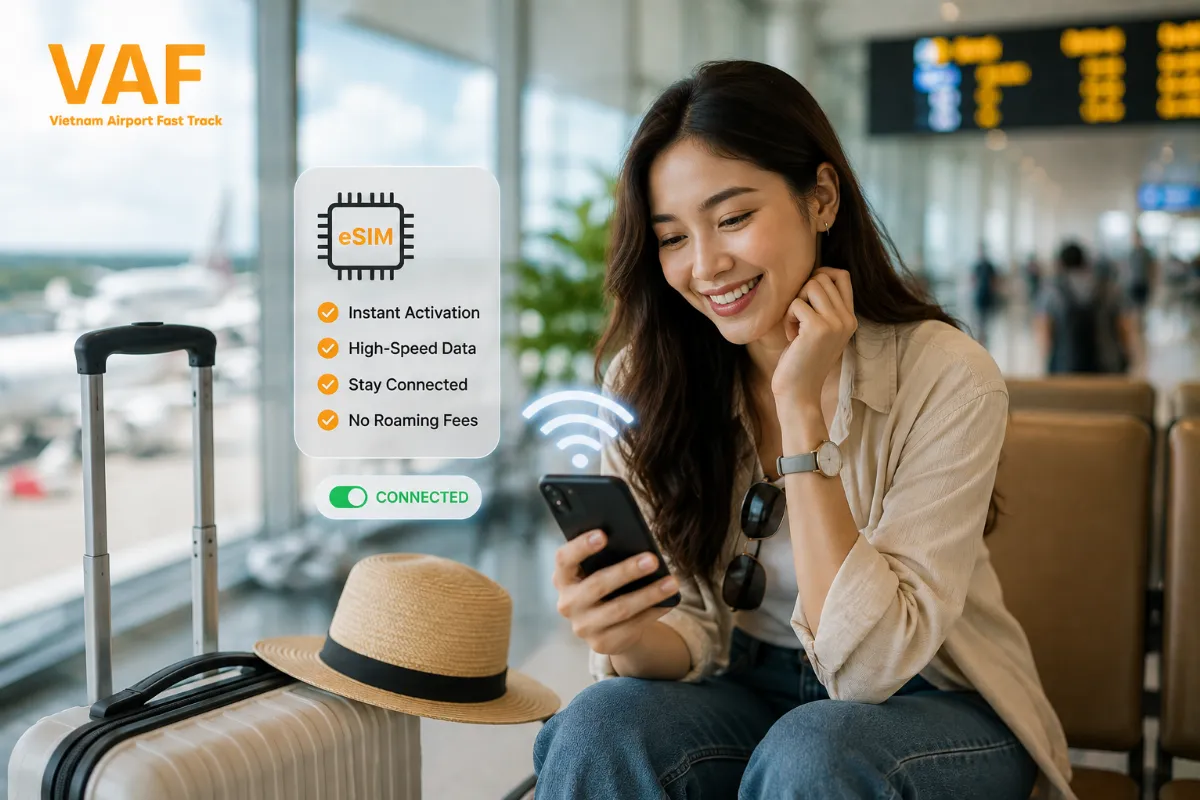
Despite occasional technical issues, a Vietnam travel eSIM can be a convenient option for international travelers who want mobile data without purchasing and physically replacing a SIM card.
You can install the eSIM before your flight and keep your regular SIM available for calls or messages when supported by your device. Once you arrive, simply activate the appropriate mobile data settings and connect to the local network.
For travelers who rely heavily on navigation, translation, online bookings, or communication, having mobile data ready from the moment you land can make the Vietnam arrival experience much easier.
Frequently Asked Questions (FAQ)
Why is my Vietnam eSIM not working?
Common causes include incorrect mobile data settings, disabled data roaming, network selection problems, an expired plan, or insufficient data. Check your eSIM and network settings before contacting your provider.
Why is my Vietnam eSIM QR code not working?
A QR code may fail because it is unclear, invalid, expired, or has already been used. Make sure you have a stable internet connection and try installing the eSIM again through your phone's cellular settings.
Do I need Wi-Fi to install a Vietnam eSIM?
Usually, you need an internet connection to download and install an eSIM profile. Installing it before your flight while connected to reliable Wi-Fi is recommended.
Can I use a Vietnam eSIM with my physical SIM?
Many compatible smartphones support both a physical SIM and an eSIM. However, available functionality depends on your specific device and carrier configuration.
Should I install my Vietnam travel eSIM before flying?
Yes. Installing your eSIM before departure gives you time to resolve potential installation or activation problems before arriving in Vietnam.
What should I do if my Vietnam eSIM still does not work?
If you have checked your device settings, network connection, plan validity, and data allowance but the problem continues, contact your eSIM provider for technical assistance.
Stay Connected Throughout Your Vietnam Trip
Understanding common Vietnam eSIM problems can help you avoid unnecessary stress during your journey. From Vietnam eSIM QR code not working to no signal, slow data, or activation problems, most issues can be resolved by checking your device and eSIM settings.
For the best experience, purchase and install your Vietnam travel eSIM before your flight, test the installation process, and keep your eSIM information accessible during your trip.
With a properly prepared eSIM, you can stay connected to maps, transportation, translation tools, accommodation services, and family members throughout your Vietnam adventure.
Whether you need a Vietnam visa, airport fast track, private airport transfer, or travel eSIM, Vietnam-Immi.org is here 24/7 to support your journey.
👉 VAF – Your trusted travel and connectivity partner in Vietnam. Book here
If you have any questions or need personalized guidance, don’t hesitate to reach out to our expert team:
-
Website: https://vietnam-airports.com/
-
Whatsapp: +84379522522
-
Hotline: +84.379.522.522
-
Email: sales@vietnam-immi.org